

Corporate Language Training
Preply Business English Training for Corporate Teams
A practical look at features, pricing, and real outcomes for corporate language programs.
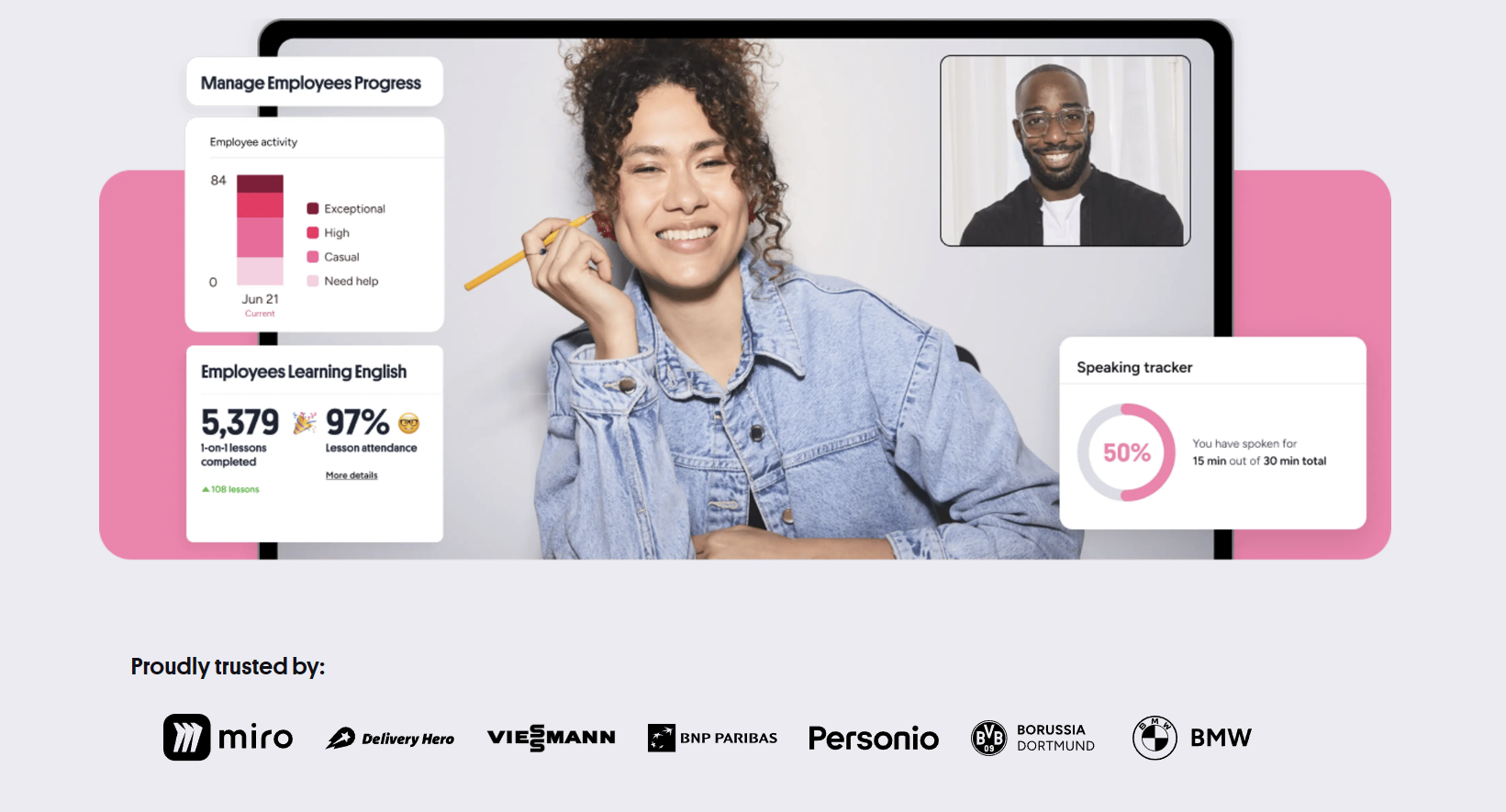
Companies investing in English training for employees face a familiar problem. Traditional language schools operate on fixed schedules that clash with shift patterns and project deadlines. Self-paced apps lack accountability and speaking practice. Preply Business English Training positions itself between those extremes — a marketplace of tutors who teach live video lessons, wrapped in an admin dashboard that lets managers assign seats, track attendance, and export progress reports.
Contents
- 1. What Preply Business English Training Actually Offers
- 2. How the Platform Works for Corporate Clients
- 3. Tutor Selection and Quality for Business Contexts
- 4. Learning Management and Progress Tracking
- 5. Pricing Structure and Plan Options
- 6. Integration with Existing L&D Systems
- 7. Real Company Experiences and Outcomes
- 8. Comparing Preply to Traditional Corporate Training
- 9. Limitations and Considerations
- 10. Getting Started: Implementation Steps
- 11. Final Assessment of Preply Business English Training
The platform launched its business product around 2020, building on the consumer marketplace that started in 2012. The core idea stays the same: learners pick tutors from a global pool, book slots that fit their calendar, and meet over Preply's built-in video classroom. The business layer adds centralized billing, usage analytics, and a dedicated success manager for larger accounts. It does not replace an LMS. It plugs into one.
This article breaks down what the service actually delivers, where it fits in a corporate learning stack, and what buyers should verify before signing a contract. The analysis draws on publicly documented features, user reviews, and the platform's own help center — not on marketing brochures.
What Preply Business English Training Actually Offers
At its simplest, Preply for Business sells seat licenses. Each seat gives one employee access to the tutor marketplace and the scheduling system. The employee chooses a tutor, books a lesson, and joins via browser or mobile app. The company pays per seat per month or per year, with volume discounts kicking in around 20 seats. There is no curriculum unless the company builds one or asks tutors to follow a specific framework.
The tutor pool is the product's main differentiator. As of early 2024, Preply lists over 32,000 English tutors. Filters let learners narrow by specialization — business English, interview prep, presentation skills, industry vocabulary — and by practical factors like time zone, price range, and accent preference. Tutors set their own hourly rates, typically between $10 and $40 for business-focused instructors. The platform takes a commission that decreases as tutors complete more lessons.
Lessons run 50 minutes. The classroom includes a shared whiteboard, file upload, chat, and automatic recording (optional, with consent). After each session, the tutor leaves notes and homework in the student's dashboard. The business admin panel aggregates this data: total hours used, lessons completed, tutor ratings, and a progress score based on the CEFR self-assessment that learners retake periodically.
The platform also offers a placement test aligned to CEFR levels A1 through C2. New hires take it during onboarding, then again every 20–30 hours of instruction. Results feed into the admin reports. This is not a certified exam — it cannot replace IELTS or TOEIC for visa or compliance purposes — but it gives L&D teams a consistent internal benchmark.
How the Platform Works for Corporate Clients
Onboarding starts with a kickoff call. A customer success manager helps the admin invite employees, set learning goals, and configure reporting cadence. Employees receive an email with a sign-up link. They create a profile, take the placement test, and browse tutors. The admin can pre-select a shortlist of tutors for specific teams — useful when the marketing department needs presentation coaching while engineering needs technical writing support.
Scheduling is employee-driven. The learner sees tutor availability in their local time zone, picks a slot, and confirms. Tutors receive a notification and accept or propose an alternative. Cancellations require 4 hours' notice to avoid a charge. The business admin sees all upcoming and past lessons in a calendar view. Bulk rescheduling is not supported; each lesson must be moved individually.
The mobile app mirrors the web experience. Lessons can be taken on phone or tablet, though the whiteboard and file sharing work better on desktop. Offline mode does not exist — a stable internet connection is mandatory. Some companies restrict mobile usage for security reasons; the admin panel does not currently offer a device-level toggle.
- Admin invites users via email or CSV upload
- Users complete placement test and set availability
- Tutor search filters include business specialization tags
- Lessons booked individually or as recurring weekly slots
- Recordings stored for 90 days on paid plans
- Monthly usage reports exported as CSV or PDF
Tutor Selection and Quality for Business Contexts
The marketplace model means tutor quality is distributed. A 4.9-star tutor with 500 reviews and a 'Business English' specialization tag is a different proposition from a 4.7-star tutor with 20 reviews who lists 'conversation practice' as their main focus. The platform surfaces ratings, total lessons taught, response time, and a short intro video. Business admins can see which tutors their team members have booked and how those tutors are rated.
For specialized needs — legal English, financial reporting, pharmaceutical regulatory writing — the filter helps but does not guarantee domain expertise. Some tutors hold CELTA, DELTA, or MA TESOL credentials; others are experienced professionals who transitioned to teaching. Preply verifies identity and teaching demo quality but does not audit subject-matter credentials. Companies with strict compliance requirements often request tutor CVs and run their own interview before approving a tutor for the team shortlist.
The marketplace gives choice, but choice requires curation. Without internal vetting, employees may pick tutors who are great at conversation but weak on the specific skills the business needs.
Tutor continuity is a common concern. If a popular tutor raises rates, reduces availability, or leaves the platform, affected learners must restart with someone new. Preply notifies students when a tutor goes inactive. Business accounts with 50+ seats can request a dedicated tutor pool — a curated group of instructors who commit to minimum availability windows — but this is a custom arrangement, not a standard feature.
Scroll horizontally to see all columns
| Filter Category | Available Options |
|---|---|
| Specialization | Business English, Interview Prep, Presentations, Negotiations, Industry-specific |
| Price Range | $5–$10, $10–$20, $20–$30, $30–$50, $50+ per hour |
| Availability | Morning, Afternoon, Evening, Weekend, Specific time zones |
| Accent | American, British, Australian, Canadian, Neutral, Other |
| Certifications | TEFL, TESOL, CELTA, DELTA, PGCE, None listed |
| Rating | 4.5+, 4.7+, 4.9+, Super Tutor badge |
Learning Management and Progress Tracking
The admin dashboard is where the business product earns its keep. It shows seat utilization — how many of the purchased licenses are active — and breaks down usage by department, team, or individual. Metrics include total hours booked, lessons completed, average tutor rating, and placement test score changes over time. Data refreshes daily. Exports come as CSV files with one row per lesson: date, duration, tutor, student, topic tags, and tutor notes.
Progress tracking relies on two signals: the periodic CEFR retest and tutor-submitted session notes. The retest is adaptive and takes 15–20 minutes. Preply claims correlation with standard exams, but the company does not publish validation studies. Tutor notes are free-text; there is no structured competency framework unless the company provides one. Some L&D teams build a simple rubric — fluency, vocabulary range, grammatical accuracy, professional communication — and ask tutors to rate each dimension 1–5 after every lesson.
Integration with HRIS or LMS platforms is limited. Preply offers SCIM provisioning for user lifecycle management (Okta, Azure AD, Google Workspace) on enterprise plans. xAPI and LTI are not supported. Grade passback to an LMS does not exist. Companies that need learning records in their central system typically export CSV monthly and upload via script. The API is documented but scoped to user management and reporting — not real-time lesson events.
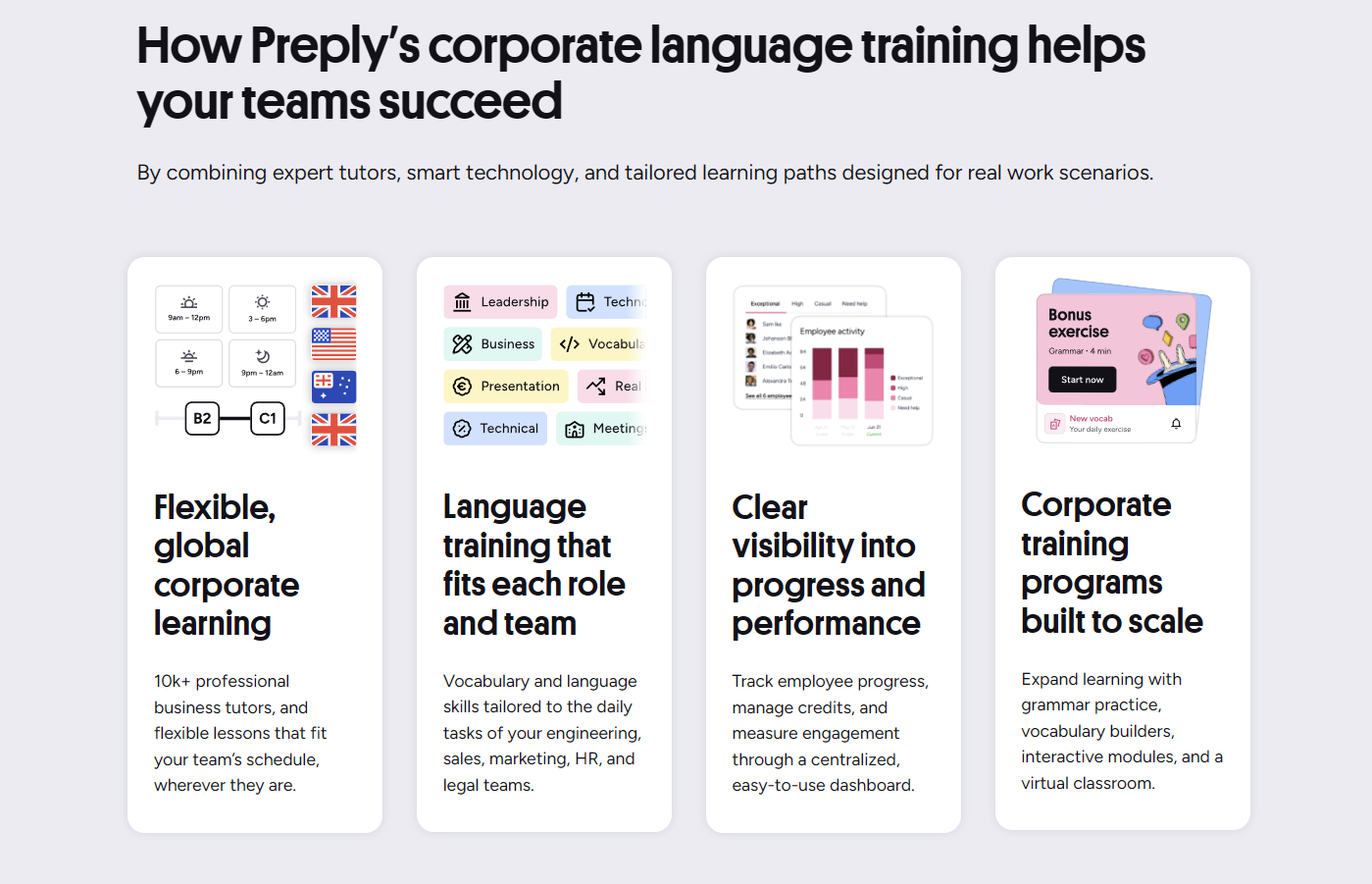
Single sign-on (SAML 2.0, OIDC) is available on the Enterprise tier. The Standard business plan uses email/password or Google/Microsoft social login. Data residency options: EU and US hosting. SOC 2 Type II certification is in progress as of mid-2024; the platform currently holds ISO 27001. GDPR compliance is standard. DPA templates are provided on request.
Pricing Structure and Plan Options
Preply does not publish a public price list for business plans. The model is per-seat-per-month with annual commitment. Indicative ranges shared by current customers: Standard plan runs $25–$35 per seat per month for 10–50 seats, including platform access, admin dashboard, and email support. Enterprise plan starts around 50 seats, adds SSO, dedicated success manager, custom reporting, and SLA — typically $30–$45 per seat per month at volume. Tutor fees are separate and paid from the same wallet; the company deposits funds, and each lesson deducts the tutor's rate.
This wallet system confuses some finance teams. The seat license covers platform access. The lesson cost depends on which tutor the employee chooses. A team booking $15/hour tutors spends less than a team booking $40/hour specialists. Preply provides a cost estimator during sales calls, but actual spend varies month to month. Unused wallet balance rolls over; unused seats do not. Some companies set internal tutor price caps to control budget.
Scroll horizontally to see all columns
| Feature | Standard | Enterprise |
|---|---|---|
| Minimum Seats | 10 | 50 |
| Seat Cost (Monthly, Annual) | $25–$35 | $30–$45 |
| Admin Dashboard | Yes | Yes |
| Dedicated Success Manager | No | Yes |
| SSO / SCIM | No | Yes |
| Custom Reporting | No | Yes |
| SLA | No | 99.9% uptime |
| Tutor Pool Curation | Self-serve | Assisted |
| Contract Term | 12 months | 12–36 months |
Volume discounts are negotiated. A 200-seat deal may land below $30/seat. Pilot programs (3 months, 10–20 seats) are sometimes offered at a reduced rate to prove ROI before scaling. Payment terms: net 30 on annual invoice. Credit card accepted for smaller accounts. No monthly billing option — the annual commitment is non-negotiable on the business side, though consumer plans remain month-to-month.
Integration with Existing L&D Systems
Most mid-market and enterprise buyers already have an LMS (Cornerstone, Workday Learning, Docebo, SAP SuccessFactors) or an HRIS (BambooHR, HiBob, Personio). Preply does not plug into these natively. The integration path is manual or semi-automated: SCIM for user provisioning on Enterprise, CSV export for completion data, and a webhook for lesson events (lesson booked, completed, cancelled) that can trigger notifications in Slack or Teams via Zapier or Make.
Some L&D teams build a lightweight wrapper — a simple internal portal that embeds the Preply tutor search via iframe (allowed on Enterprise) and pulls the CSV export nightly into their data warehouse. This lets them correlate language training hours with performance review scores, promotion rates, or project staffing data. Preply does not provide a pre-built connector for any major LMS.
- SCIM provisioning: Okta, Azure AD, Google Workspace, OneLogin
- SSO: SAML 2.0, OIDC (Enterprise only)
- Webhooks: lesson.booked, lesson.completed, lesson.cancelled
- CSV export: scheduled daily/weekly/monthly via admin panel
- API: REST, token auth, rate limited to 60 req/min
- No native LMS connectors (Cornerstone, Workday, Docebo, etc.)
Real Company Experiences and Outcomes
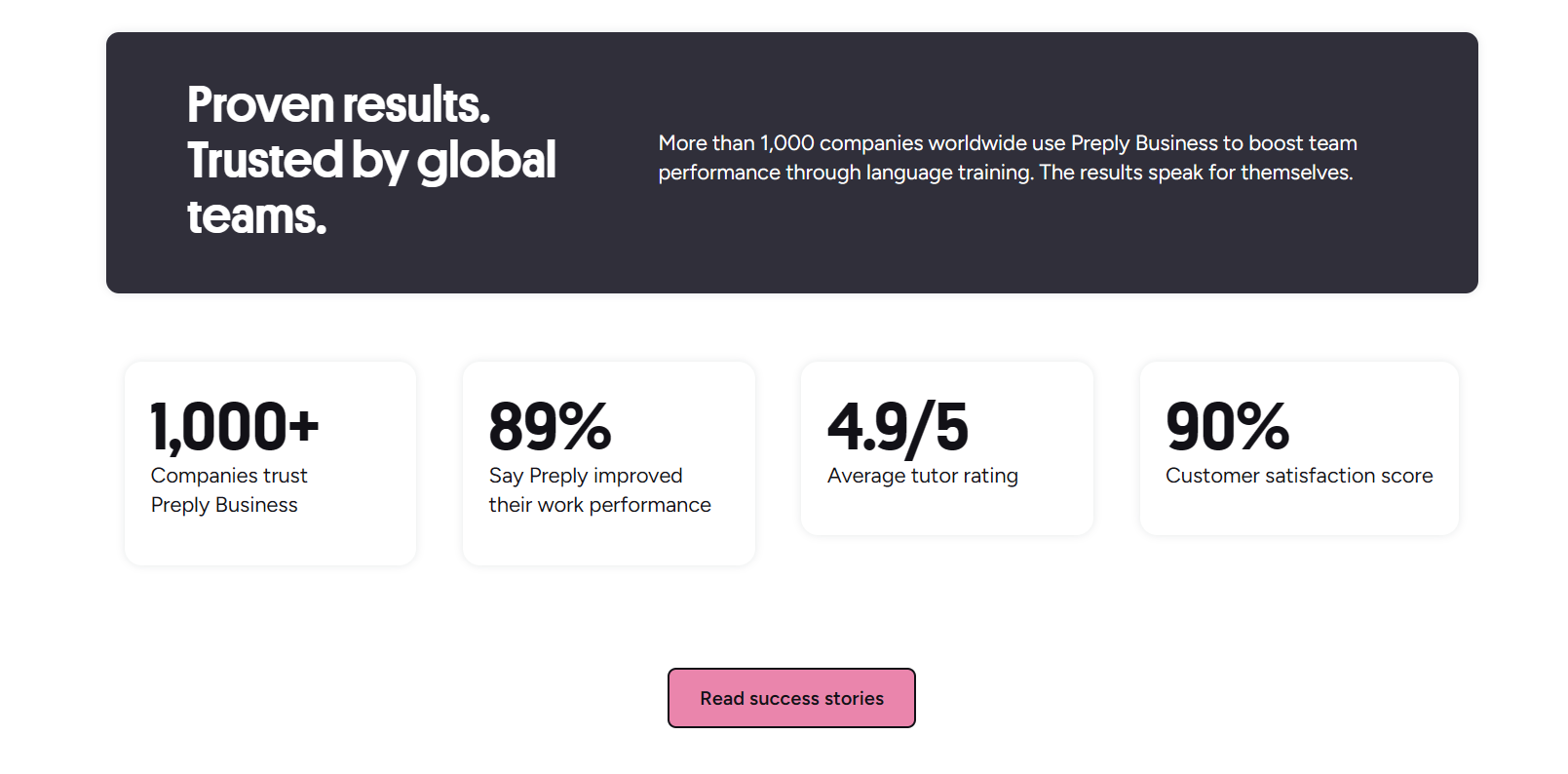
Public case studies on Preply's site feature companies like Revolut, Datadog, and Bolt. The pattern: distributed teams, rapid hiring, need for flexible English support across time zones. Revolut reported 85% employee satisfaction with tutor matching and measurable improvement in client-facing communication scores. Datadog highlighted the ability to scale from 20 to 200 seats in six months without renegotiating vendor contracts. Bolt emphasized the admin dashboard's role in proving L&D spend efficiency to finance.
Independent reviews on G2, Capterra, and Trustpilot tell a more mixed story. Common praise: tutor quality at the top end, scheduling flexibility, responsive support. Common complaints: tutor turnover, inconsistent teaching styles, wallet billing confusion, limited curriculum control. Several reviewers note that outcomes depend heavily on learner motivation — the platform does not enforce attendance or progression. Employees who treat it as a perk rather than a requirement show low utilization.
We saw great results with the engineers who needed technical presentation skills. The sales team, who needed negotiation vocabulary, struggled because tutors lacked domain context. We ended up hiring a specialist consultant for that track.
Utilization rates reported by admins typically range from 40% to 75% of purchased seats active in a given month. Low utilization usually traces to three causes: employees too busy to book, mismatch between tutor availability and learner schedule, or lack of managerial reinforcement. Companies that tie language goals to performance reviews or project eligibility see higher engagement. Preply's success managers recommend quarterly business reviews to surface these patterns.
Anecdotal evidence suggests the platform works best for: (1) individual contributors who need confidence in meetings and email, (2) managers preparing for international assignments, (3) technical staff writing documentation for global audiences. It works less well for: (1) absolute beginners who need structured A1/A2 curriculum, (2) teams requiring standardized certification, (3) companies with rigid compliance training mandates. The marketplace model favors motivated, self-directed learners at B1+ level.
Comparing Preply to Traditional Corporate Training
Traditional providers — Berlitz, EF Corporate, Wall Street English, local language schools — sell structured programs with proprietary curricula, certified teachers, and guaranteed outcomes. They cost more ($2,000–$5,000 per learner per year) and run on fixed schedules. Preply costs less ($1,500–$3,000 per learner per year including tutor fees) and runs on the learner's schedule. The trade-off is standardization. Traditional providers deliver the same syllabus to every cohort. Preply delivers whatever the tutor prepares.
Digital-first competitors include Babbel for Business, Busuu for Enterprise, and Rosetta Stone Enterprise. These are self-paced with optional live tutoring add-ons. They scale cheaply ($100–$300 per seat per year) but suffer from low completion rates — often under 15%. Preply's live-lesson model drives higher engagement (reported 60%+ monthly active users on business accounts) but at higher per-seat cost. The hybrid approach — app for vocabulary, live tutor for speaking — is what many companies end up building themselves by combining tools.
Scroll horizontally to see all columns
| Model | Annual Cost per Learner | Structure | Best For |
|---|---|---|---|
| Traditional Language School | $2,000–$5,000 | Fixed curriculum, certified teachers, set schedule | Compliance, certification, beginner cohorts |
| Preply Business | $1,500–$3,000 | Tutor marketplace, flexible schedule, admin dashboard | B1+ professionals, distributed teams, specific skills |
| Self-Paced App + Live Add-on | $100–$300 | App curriculum, optional group/1:1 sessions | Large populations, budget constraints, supplementary |
| Custom Corporate Program | $3,000–$10,000 | Bespoke curriculum, dedicated instructors, integrated | Strategic skills, leadership, high-stakes roles |
The decision often comes down to whether the organization needs a managed program or a flexible tool. Preply is a tool. It gives access and visibility. It does not design the learning journey. Companies that treat it as a managed program — assigning a learning coordinator, setting quarterly goals, reviewing tutor feedback — get results. Companies that buy seats and hope for the best see low utilization and questionable ROI.
Limitations and Considerations
Several limitations deserve explicit attention before purchase. First, tutor availability is not guaranteed. Popular tutors fill weeks in advance. Learners in less common time zones (UTC+12, UTC-10) have fewer options. The platform shows real-time availability, but there is no waitlist or auto-book feature. Second, the wallet system creates unpredictable monthly spend. Finance teams accustomed to fixed per-seat pricing must adjust to variable lesson costs.
Third, the platform's pedagogy is tutor-dependent. There is no shared methodology, no guaranteed progression path, no standardized materials. A learner moving from Tutor A to Tutor B may repeat content or encounter contradictory explanations. Preply provides a 'Lesson Plan' template tutors can use, but adoption is voluntary. Fourth, the mobile app lacks some admin features — managers cannot approve tutor changes or view detailed reports on mobile.
Fifth, the platform is English-centric. While Preply offers 50+ languages, the business dashboard, placement test, and success management are optimized for English. Companies needing Spanish, German, or French at scale should confirm reporting parity. Sixth, accessibility: the classroom meets WCAG 2.1 AA for core flows, but the whiteboard and some tutor-shared materials may not. Learners using screen readers should test the workflow during a pilot.
Getting Started: Implementation Steps
A typical rollout takes 4–6 weeks from contract signature to first lessons. Week 1: kickoff call, SSO/SCIM configuration, admin training. Week 2: pilot group (10–20 learners) invited, placement tests completed, tutor shortlists built. Week 3: pilot lessons begin, success manager reviews early feedback. Week 4: adjustments — tutor swaps, schedule changes, internal comms push. Week 5–6: full launch to remaining seats, quarterly review cadence established.
Internal communication matters. Employees need to know: why the company is investing, how many lessons they're expected to take, whether participation affects performance reviews, and how to get help. A one-page FAQ covering booking, cancellation, technical requirements, and tutor switching reduces support tickets. Some companies assign a 'learning champion' per department — a peer who models usage and answers informal questions.
- Define success metrics before launch (utilization, CEFR shift, satisfaction)
- Assign internal program owner with 2–4 hours/week capacity
- Build tutor shortlists by department or skill gap
- Set minimum lesson frequency expectation (e.g., 2/week)
- Schedule monthly admin dashboard review with stakeholders
- Plan quarterly business review with Preply success manager
Technical setup is straightforward for most IT teams. SCIM provisioning maps attributes (department, manager, location) to Preply user profiles, enabling segmented reporting. The webhook endpoint for lesson events requires a simple HTTPS receiver — a serverless function or Zapier webhook works. Test the full flow: new hire in HRIS → SCIM creates Preply user → user gets invite → books lesson → webhook fires → completion recorded in data warehouse.

Final Assessment of Preply Business English Training
Preply Business English Training solves a specific problem: giving distributed, time-constrained professionals access to qualified speaking practice on their schedule. It does not replace a structured curriculum, a certified exam pathway, or a managed learning program. It provides the tutor layer and the usage visibility. Whether that translates to measurable skill improvement depends on how the company wraps the tool — goals, accountability, tutor curation, and integration with performance systems. For organizations with motivated B1+ learners and the internal capacity to manage a marketplace model, it is a cost-effective option. For those needing guaranteed outcomes, standardized content, or hands-off administration, a traditional provider or custom program remains the better fit.
Frequently Asked Questions
What is the minimum contract size for Preply Business?
The Standard plan requires a minimum of 10 seats on an annual contract. Enterprise plans start at 50 seats. Pilot programs with fewer seats are occasionally available by negotiation.
Can we use our own curriculum with Preply tutors?
Yes. Tutors can follow company-provided materials, but adoption is voluntary. Enterprise accounts receive assistance curating tutors willing to use a specific curriculum. There is no platform-enforced content delivery.
How does the wallet system work for lesson payments?
The company deposits funds into a Preply wallet. Each lesson deducts the tutor's hourly rate at booking. Unused balance rolls over monthly. Seat licenses are billed annually and separate from the wallet.
Is Preply Business compliant with GDPR and SOC 2?
GDPR compliance is standard with DPA available. ISO 27001 certified. SOC 2 Type II is in progress as of mid-2024. Data residency options include EU and US hosting.
Can employees switch tutors mid-program?
Yes, learners can change tutors at any time. The new tutor sees previous lesson notes if the learner shares them. Admin can view tutor history per learner but cannot restrict tutor changes on Standard plans.
What happens if a tutor leaves the platform?
Preply notifies affected learners and suggests alternatives with similar specialization and ratings. Enterprise accounts can request a dedicated tutor pool with availability commitments to reduce this risk.
Does Preply integrate with our LMS?
No native LMS connectors exist. Enterprise plans support SCIM for user provisioning and webhooks for lesson events. Completion data exports via scheduled CSV. Grade passback and xAPI are not supported.